
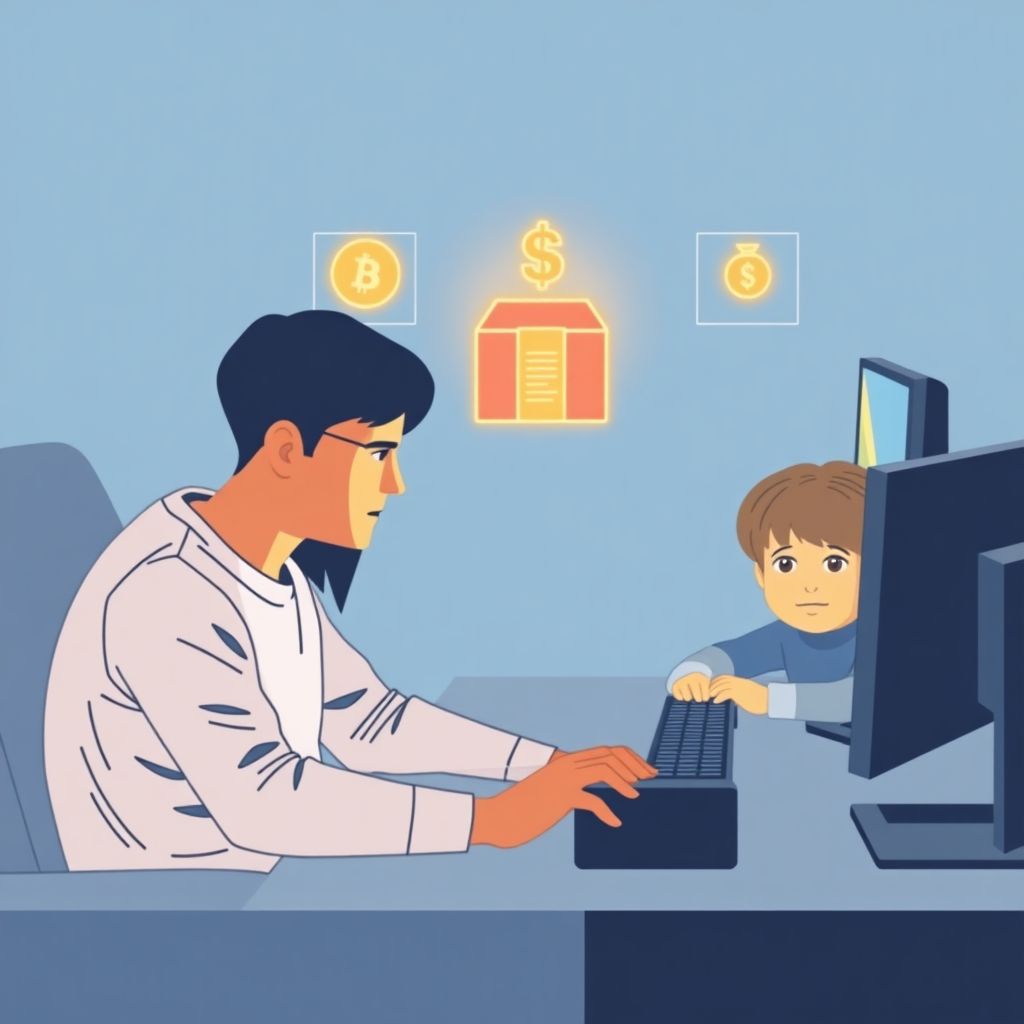
Teaching money skills through games and esports means turning what your child already loves into structured lessons about earning, saving, spending, and risk. You use virtual currencies, skins, loot boxes, and team play as practice grounds, add clear limits and reflection, and gradually connect in‑game choices to real‑world money decisions.
Core Money Lessons to Build with Gaming

- Use in‑game goals and items to practice setting short‑, medium‑, and long‑term financial goals.
- Turn virtual currencies and microtransactions into simple budgets with clear limits and trade‑offs.
- Frame loot boxes and random rewards as gambling‑like risk, not “magic rewards.”
- Use team play and esports to discuss earning, contracts, and how sponsorships and prizes really work.
- Combine games with financial literacy games for kids and money management apps for children and parents.
- Layer in stronger parental control tools for in-game purchases as kids gain freedom.
- Review choices together weekly so kids connect gaming behavior with real‑life consequences.
Setting Financial Goals Through In-Game Objectives

Using games for money lessons works best when your child already plays regularly and you can sit nearby or review their account history. It is especially useful for kids who are motivated by cosmetics, skins, or unlocking ranks and achievements.
Avoid goal‑based money lessons through games when:
- Your child already shows compulsive behavior around loot boxes, gambling‑like modes, or late‑night grinding.
- Gaming is currently a source of serious conflict at home; address boundaries first, lessons later.
- Your child is under 8 and cannot yet grasp “saving now to get more later.” Start with simple offline games instead.
Age‑appropriate ways to use in‑game objectives as money goals:
- Ages 8-11: Connect one exciting cosmetic item or character to a saving goal. For example, “earn enough in‑game currency this week without spending any on small boosts.” Keep goals short and visual.
- Ages 12-15: Introduce tiers of goals: a small skin today, a bigger bundle this month, and a major upgrade over a season. Ask your child to choose one priority and explain why.
- Ages 16+: Link in‑game goals to real money and time. For instance, “If this bundle costs X, how many hours of part‑time work or allowance is that?” Encourage written plans or simple spreadsheets.
Practical goal‑setting structure you can reuse:
- Agree on one in‑game objective (skin, character, season pass, rank).
- Decide what counts as “income” (daily challenges, match rewards, allowance, side jobs).
- Set a deadline and a weekly check‑in time (10-15 minutes).
- Track progress on paper or in a simple note app, not only inside the game.
- Review at the end: what worked, what felt hard, and what they would change next time.
Teaching Budgeting with Virtual Currencies and Microtransactions
To turn virtual currencies and microtransactions into a budgeting lesson, you need a few tools and clear rules. Keep everything transparent, written down, and reversible where possible.
Helpful requirements and tools:
- Shared visibility of spending: Use platform family accounts, purchase histories, and email receipts so you can both see exactly what was bought and when.
- Strong payment controls: Enable parental control tools for in‑game purchases, require a PIN or password for every transaction, and disable one‑click buying on consoles, phones, and PCs.
- Prepaid or capped payment methods: Prefer gift cards or limited virtual wallets over a full credit card. This turns “running out” into a natural lesson instead of a financial shock.
- Simple tracking method: A sheet of paper, a basic note app, or a family‑friendly spreadsheet to log “income” (allowance, rewards) and “expenses” (skins, passes, boosts).
- Optional digital helpers: Money management apps for children and parents can mirror in‑game categories (“Skins,” “Battle Pass,” “Loot Boxes”) to nearby real‑world ones (“Clothes,” “Subscriptions,” “Gambling risk”).
Before you start, pick which games are “teaching games.” Prefer ones with:
- Clear in‑game currencies (gold, gems, points) and an in‑game store.
- Visible prices for items and bundles.
- Options to earn currency through play, not only with cash.
- Loot boxes or random rewards you can openly label as risky, gambling‑like features.
If your child is keen on competitive play, add learning tools around esports, such as online courses teaching kids about money through gaming or esports coaching for kids with education focus that explains contracts, prize splits, and sponsorship value.
Earning, Saving, and Risk: Real-World Economics in Esports
Before following the steps below, discuss these risks and boundaries:
- Virtual items can vanish (account bans, forgotten passwords, game shutdowns); they are never safe long‑term investments.
- Loot boxes and random crates mimic gambling; set a firm rule on how often, or if, they are allowed at all.
- Third‑party trading and “cheap skins” sites often involve scams or fraud; agree that your child will not trade outside official channels.
- Streaming and esports prize money is irregular; it should never replace school or stable income planning.
- Always cap monthly gaming spend as a family rule, then design lessons inside that cap.
-
Map the in‑game economy together
Sit with your child and list how they “earn” in the game (matches, quests, daily log‑ins, tournament prizes) and what they can buy (skins, boosts, passes, loot boxes).
- Ages 8-11: Draw two columns: “How I earn” and “What I buy.” Use simple icons.
- Ages 12-15: Add a third column: “Is this need, want, or risky?” and talk about each item.
- Ages 16+: Connect earnings to time (“How many matches per hour?”) and estimate an hourly “in‑game wage.”
-
Design a simple save‑spend‑risk plan
Turn your monthly or weekly gaming budget into three buckets: saving for a big item, everyday fun, and clearly labeled risk (loot boxes or gambling‑like features).
- Agree on percentages or fixed amounts (for example: most to saving, a smaller part to everyday fun, minimal or zero to risk).
- Write the plan down and keep it near the screen or console.
- For esports fans, add a bucket for “training or coaching” so they see practice as an investment, not just play.
-
Run a 4‑week experiment and log every purchase
For one month, treat the family gaming budget as a real account. Each time your child spends, you both log: date, item, price, bucket, and quick reason.
- Ages 8-11: You write; they explain with simple words (“fun,” “need for level”).
- Ages 12-15: They write and categorize; you review weekly.
- Ages 16+: They log in a simple sheet, including any tournament entry fees or esports‑related costs.
-
Connect esports earnings and fame to real‑world money rules
If your child follows streamers or pro players, pause videos and dissect how those people actually earn money: salaries, sponsorships, ads, donations, prize pools.
- Clarify that big wins are rare, unstable, and often shared with teams, coaches, and organizations.
- Explain basics of contracts, taxes, and how sudden income can disappear quickly with poor money management.
- Use reputable online courses teaching kids about money through gaming to reinforce that “pro play” requires discipline, school skills, and planning.
-
Review risk decisions and adjust the plan
At the end of each 4‑week cycle, review logs and ask three questions: “What felt worth it?”, “What do you regret?”, and “What surprised you?”
- Circle any impulsive, late‑night, or peer‑pressured spending.
- Check if the “risk” bucket stayed within limits; if not, tighten rules or disable that feature.
- Celebrate when they chose to save, skip a loot box, or invest in coaching or tools instead of cosmetics.
Responsible Spending: Parental Controls, Limits and Expectations
Use this checklist to confirm that your safeguards and expectations around money and games are working.
- You have enabled platform‑level parental control tools for in‑game purchases, including passwords or PINs for every buy.
- All games your child plays with money features have their spending settings reviewed and adjusted together.
- You use gift cards, prepaid balances, or capped wallets instead of open credit or debit cards on gaming accounts.
- There is a clear monthly games/esports budget everyone can state from memory.
- Your child can explain, in their own words, which in‑game features are gambling‑like (loot boxes, random crates) and what the house rules are.
- Your child knows they must never share account details or trading codes with strangers, even for “free upgrades.”
- You review purchase histories together at least once a month and talk through one good and one bad decision.
- Any online esports coaching for kids with education focus you consider has transparent pricing, clear cancellation terms, and no pressure‑sales tactics.
- Screen time rules include money: for example, “no buying when tired, angry, or after bedtime.”
- All family members model similar behavior, avoiding impulsive digital purchases in front of younger kids.
Practical Activities: Exercises and Mini-Projects for Families
Watch out for these common mistakes when turning games and esports into money lessons.
- No clear separation between learning and pure fun time: Kids may resist if every gaming session turns into a lesson. Schedule specific “money sessions” and leave some play entirely free.
- Relying only on one game or platform: Mix regular titles with dedicated financial literacy games for kids so concepts repeat in different contexts.
- Skipping written tracking: Trusting memory makes it easy to ignore small microtransactions. Always write or log every purchase during learning periods.
- Underestimating peer pressure: Skins and bundles are social signals. Talk openly about fitting in versus overspending; avoid shaming your child for wanting what friends have.
- Letting older kids manage payment methods alone too soon: Even 16+ teens benefit from joint oversight and spending caps until they show consistent judgment.
- Ignoring third‑party markets: Many scams pose as cheap skins or currency. State a non‑negotiable rule: no trades or purchases outside official stores.
- Assuming esports income will “solve” money worries: Treat esports prize pools as temporary bonuses, not a plan. Emphasize education, diverse skills, and savings.
- Not using available educational resources: Combine your own guidance with curated online courses teaching kids about money through gaming and family‑friendly money management apps for children and parents.
- Teaching only “don’t spend” instead of “how to choose”: Focus on trade‑offs and priorities so kids practice choosing better, not just avoiding spending.
Measuring Progress and Adapting Teaching Strategies
Money learning through games will need adjustments as your child grows, changes games, and gains more freedom. Consider these alternative or supplemental approaches depending on your situation.
- Board and card simulations instead of online games: If you are worried about online risks or your child is under 8, use offline games that mimic earning, buying, and chance without real money or strangers.
- Structured digital tools as the primary channel: If unstructured play feels hard to manage, lean more on financial literacy games for kids and guided money management apps for children and parents, where mechanics are intentionally educational.
- Esports‑focused learning tracks: For motivated teens deeply into competitive play, look for esports coaching for kids with education focus and online courses teaching kids about money through gaming that cover contracts, team finances, and income volatility.
- Non‑gaming real‑world money projects: If gaming causes conflict or addictive behavior, pause game‑based lessons and practice budgeting and saving using allowance, small jobs, or family projects instead.
Common Concerns and Quick Answers for Parents
Can teaching money through games accidentally encourage gambling?
It can if you do not clearly label loot boxes and similar features as gambling‑like and strictly limit or ban them. Make odds, losses, and long‑term outcomes part of the conversation, and never allow unlimited access to random‑reward purchases.
What age is appropriate to start using games for money lessons?
Around 8-11, kids can grasp simple saving and trade‑offs in games with your help. From 12-15, they can handle budgets and logs. At 16+, connect in‑game money to real‑world work, time, and risk, while keeping safeguards in place.
How much should I let my child decide about their in-game spending?

Let them make small, reversible decisions inside a fixed budget and with strong parental controls. As they show good judgment over several months, gradually expand their freedom, but keep visibility and clear monthly limits.
Are esports and streaming realistic career paths for my child?
They are possible but rare and unstable. Present them as one option among many, requiring discipline, education, and solid money management, not as a guaranteed outcome of playing a lot of games.
What if my child already overspends or sneaks purchases?
First, lock down payment methods and require approval for all buys. Then review what happened, set new rules together, and use a simple log to rebuild trust. Treat it as a learning process rather than only punishment.
How do I choose safe educational tools related to gaming and money?
Look for clear pricing, no aggressive upselling, and transparent privacy policies. Prefer tools recommended by trusted organizations, and test them yourself before letting your child use them independently.
My child hates talking about money. What can I do?
Start with very short, game‑specific chats (“What did you buy today and was it worth it?”) and avoid lectures. Celebrate one good decision each week to build confidence before digging into more complex topics.