

Most gamers can tell you the drop rate of a legendary item, but ask how much they spent chasing it this month and things get fuzzy fast. Digital purchases feel weightless, subscriptions renew quietly, and suddenly the “cheap hobby” starts looking like a second rent. This guide is about moving from blind clicking on loot boxes to clear, simple budgeting — without killing the fun. We’ll use real examples, expert-backed tricks, and a system you can actually stick to, even if spreadsheets usually make you alt+F4.
Why gamers are especially vulnerable to overspending
Games are built to keep you engaged: daily quests, events with countdowns, “only today” skins. Behavioral economists note that time pressure plus random rewards push us to overspend, especially when every payment is just a quick tap. In free-to-play titles, only 1–2% of players pay, but that tiny group can drop hundreds per month. If you never look at totals, it’s easy to convince yourself “it’s just five bucks” while the real monthly bill passes $150 without you noticing.
Tech detail — why it feels like “not real money”:
– Microtransactions are often priced as 4.99 or 9.99 to feel cheaper than full numbers.
– In-game currency breaks the link between price and value.
– Card and mobile payments remove “cash pain”: no physical handing over money.
Understanding these tricks isn’t about quitting games; it’s about defending your wallet with the same awareness you use to dodge boss mechanics.
Seeing the full picture of your gaming costs

Before you change anything, you need to see everything. That means not just big one-off buys like a console or GPU, but every subscription, cosmetic pack, battle pass and “limited-time offer” you’ve grabbed. personal finance tips for gamers often start with broad categories like “entertainment”, but that hides how much of it is actually gaming. A more honest view: separate gaming into hardware, subscriptions, full games, microtransactions and accessories. Once you look at totals per group, patterns jump out fast, especially with subscriptions quietly stacking up.
Tech detail — basic gaming cost formula:
Total monthly gaming cost =
(hardware price ÷ months you’ll use it) +
(all game and pass purchases ÷ months played) +
(all subs + average microtransactions this month).
Run this once and compare to your rent, groceries or savings. If gaming competes with essentials, you’re not “bad with money” — you just need structure.
The loot box trap and how to stop spending money on loot boxes
Loot boxes feel like harmless fun, but the mechanics mirror slot machines: randomized rewards, flashy animations, near-misses that tempt “just one more spin”. Studies on young adult gamers show that those who buy loot boxes regularly are more likely to overspend and report regret afterward. A common pattern: someone plans to spend $10 during an event, doesn’t get the skin, and chases it until the total hits $60–$80. The worst part? Ask them a week later how much they spent and they’ll often underestimate by half.
Here’s the expert-backed way to break that cycle without uninstalling everything. First, convert loot box prices to an hourly rate: if your net pay is $15 per hour and a bundle is $30, that’s two hours of work for a random roll. Next, switch from “one more box” to “hard monthly cap”. For example: $25 total on chance-based items, no exceptions. When you hit the limit, you stop — not because the offer isn’t tempting, but because you decided in advance. This moves the decision from emotional impulse to rational planning.
A practical system to track gaming expenses and subscriptions
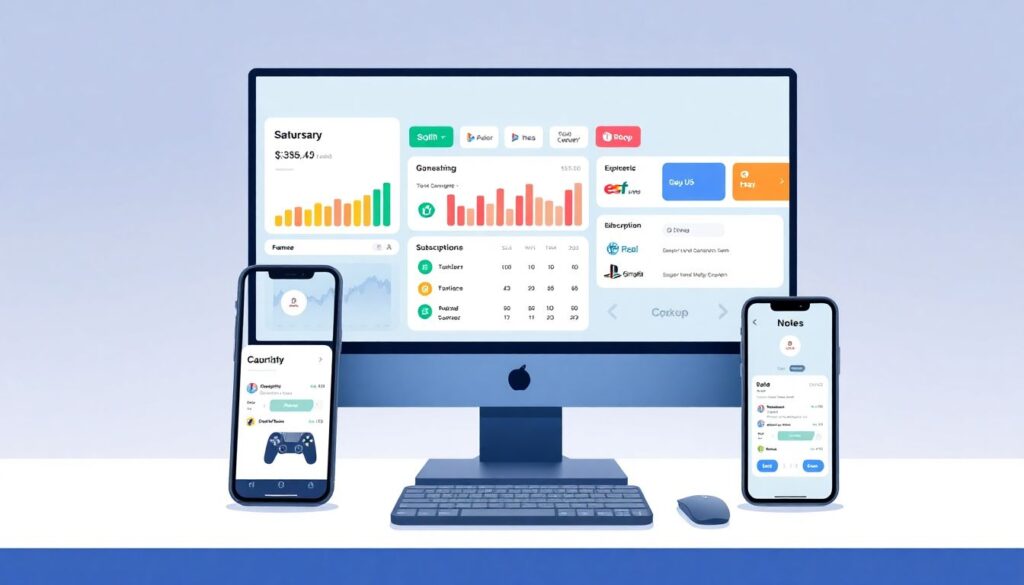
Let’s build a straight-to-the-point method to track gaming expenses and subscriptions that doesn’t rely on willpower alone. Think of it like a HUD for your money: everything important visible at a glance. You’ll use three tools: your bank or card app, one budgeting or tracking app, and a simple naming system for purchases. The goal isn’t a perfect spreadsheet, but a clear, up-to-date picture that shows you where each dollar goes before the credit card bill surprises you.
1. Rename every gaming charge
2. Log subscriptions and renewal dates
3. Set a monthly gaming budget cap
4. Use alerts for when you near the cap
5. Review once a week for five minutes
Do this for one full month and you’ll know more about your habits than most players do in a year. It’s like finally turning on damage numbers: you may not love what you see at first, but then you can optimize.
Tech detail — tagging system that actually works:
– In your bank app, add notes like “Steam-game”, “PSN-sub”, “Gacha-micro” to each purchase.
– In your tracker, create categories: “Games”, “Subscriptions”, “Cosmetics & Loot”, “Hardware”.
– Set a maximum for each, not just a total.
After 30 days, check which category exceeded your expectations. That’s your first nerf target.
Picking the best budgeting apps for gamers
You don’t need a “gamer-branded” finance app; you need tools that let you tag, filter and set limits easily. Many personal finance tips for gamers recommend apps that automatically pull data from your cards and let you create custom categories. Look for features like real-time notifications and weekly summaries — they act like patch notes for your wallet. If an app lets you tag transactions with “Gaming” plus sub-tags like “Fortnite” or “Steam”, it becomes trivial to see what each title costs you over time.
Tech detail — what features to prioritize:
– Custom categories with subcategories for different platforms and games.
– Alerts when a category crosses, say, 70% of its monthly limit.
– Clear subscription overview showing next billing dates.
– Export to CSV if you ever want to analyze deeper.
Even the so-called best budgeting apps for gamers are only as good as the habits behind them. Spend 10 minutes setting the categories right the first week, and the app will handle most of the tracking work for you.
Real-world examples from gamer budgets
Take Nina, 27, who plays mostly gacha RPGs on mobile. She was sure she spent “about $30 a month”. After tagging three months of transactions, she discovered an average of $95, with spikes up to $180 during events. Her fix: she capped gacha spending at $40 and moved the extra $55 into a “hardware upgrade” pot. Six months later she had enough for a new GPU, and her enjoyment actually went up because she wasn’t stressed about surprise bills. Tracking turned vague guilt into a clear, rewarding plan.
Another case: Alex, 32, with subscriptions to four services plus three MMOs. He barely played two of them, but the auto-renew kept going. Once he saw the numbers, he cut three subs, rotating them instead: one MMO plus one game pass at a time. That move alone freed up roughly $35 per month, or $420 a year, which went into a vacation fund. He didn’t quit gaming; he stopped paying for menus he never opened. That’s the power of seeing actual usage versus habitual spending.
Expert-backed personal finance tips for gamers
Financial planners who work with younger clients often see the same pattern: people who are disciplined at work and in raids, but totally improvising with money. Their key advice: treat your gaming budget like a build. Set a target (for example, 5–10% of your net income), allocate points (hardware, subs, microtransactions), and stick to the plan unless something big changes. If your income is unstable, set the gaming budget only after you’ve funded rent, food, minimum debt payments and a small emergency buffer. Fun comes after survival, not instead of it.
Many mental health professionals also warn against using gaming purchases as pure emotional band-aids. If every bad day ends with another impulse skin, you’re not just draining your account; you’re training your brain to equate spending with relief. One practical expert tip: add a mandatory 24-hour delay for any purchase over a certain amount, say $20. If you still want it the next day and it fits within your budget, buy it guilt-free. If the urge disappears, you just saved yourself from a classic tilt-buy.
How to save money on video games and in-game purchases without feeling deprived
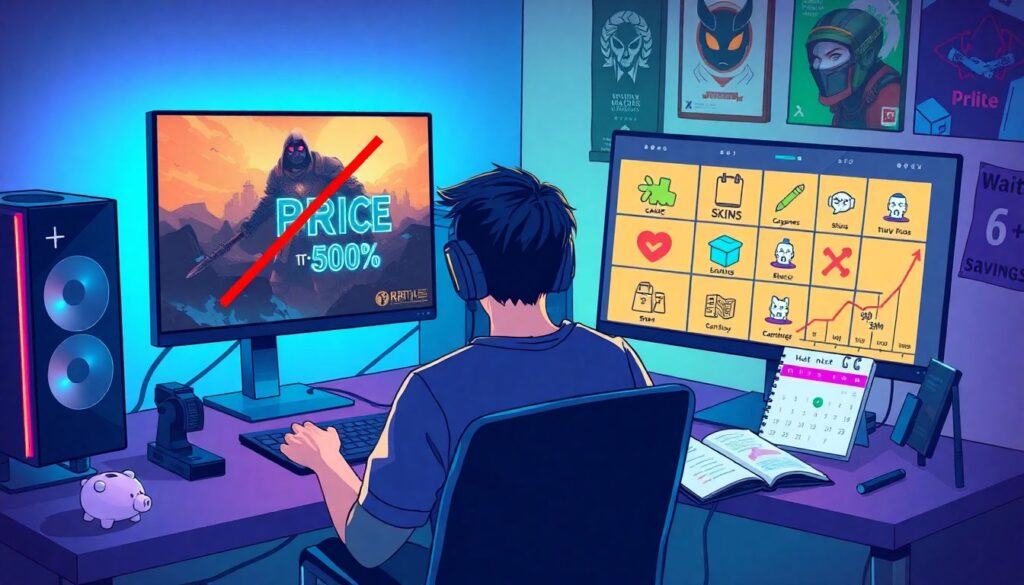
Let’s be blunt: quitting all in-game spending sounds noble, but for most gamers it’s not realistic. A better goal is to save money on video games and in-game purchases by being strategic. First, stop preordering purely on hype; most AAA titles drop 30–50% in price within six months. Second, lean on sales and bundles, but only for games you already planned to play. Third, rotate “main games”: focus on two or three titles for a season instead of sampling ten at once, which often leads to shallow play and wasted purchases.
Tech detail — concrete savings levers:
– Waiting three months on a $70 release often saves $20–30. Do that four times a year and you’re up $80–120.
– Canceling one unused $14.99 subscription frees $179.88 annually.
– Capping monthly microtransactions at $30 instead of “whatever” can easily save $50–70 if you were previously spending $80–100.
Stack these and you’re looking at $300–500 a year — enough for a new console, a 144 Hz monitor, or a serious dent in credit card debt.
Building a long-term “endgame” money strategy
Tracking every dollar in your gaming life is the starting zone, not the final boss. Once you’re comfortable with your HUD — clear categories, visible limits, zero surprise renewals — it’s time to connect that to bigger goals: debt payoff, savings, maybe even investing. Many experts recommend a simple rule: if you can’t save at least as much each month as you spend on gaming, your priorities are inverted. Flip that, and every time you optimize your gaming spend, you’re also boosting your future.
In practice, that might mean this: your $80-a-month gaming budget stays, but another $80 goes into savings or investments. You still get new games and skins, but you also build a safety net. This is where gamers have a hidden advantage: you already understand progress bars, grinding and delayed rewards. Money works the same way. Once you start to track gaming expenses and subscriptions as carefully as you track DPS or K/D, you’ll realize budgeting isn’t a nerf to your fun — it’s just good game design for your real life.