
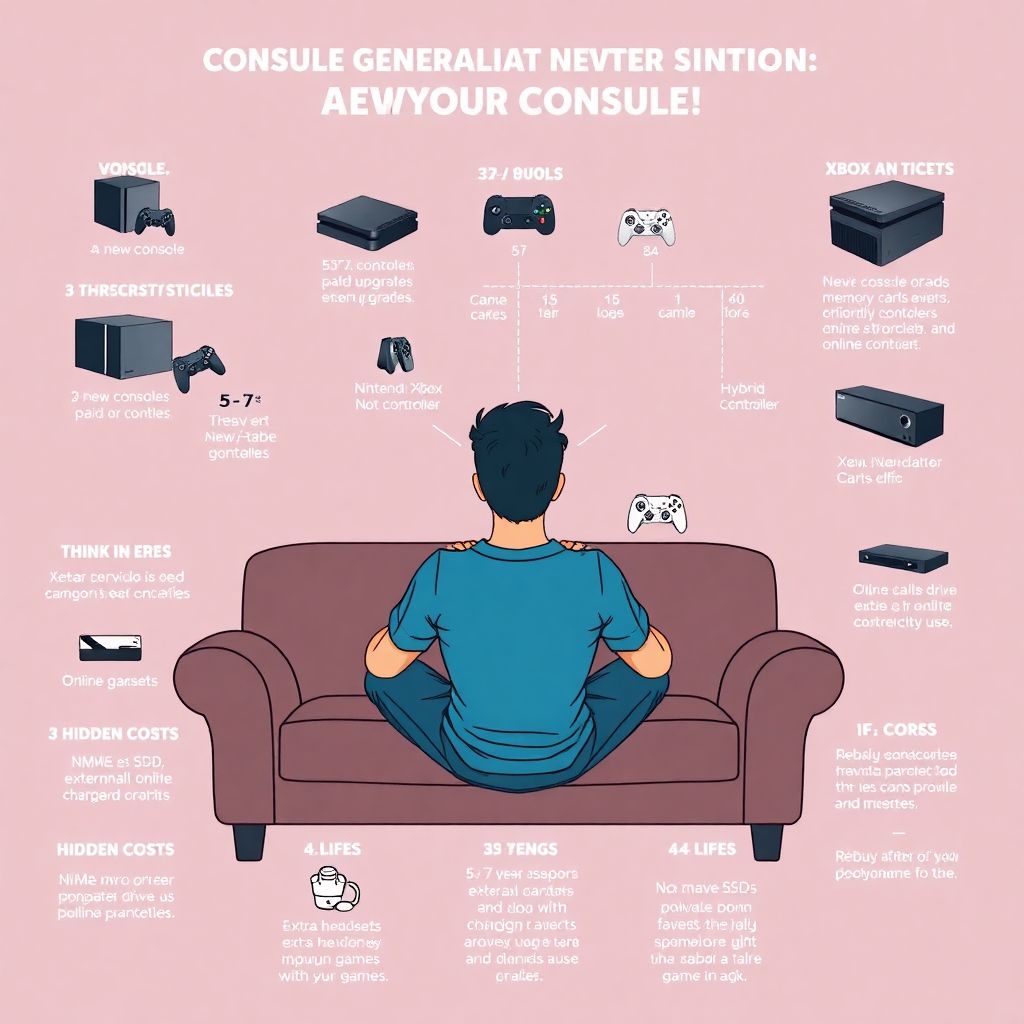
Upgrading from one console generation to the next feels exciting… right until you check your bank account. Let’s unpack how these upgrade cycles really hit your wallet and what you can do — beyond “wait for a discount” — to stay in control.
Why console generations quietly eat your budget
Every new PlayStation, Xbox or Nintendo system doesn’t just mean one big purchase. It’s a chain reaction:
– New hardware
– New controllers or accessories
– Games that don’t carry over or require paid upgrades
– Online subscriptions and DLC tuned for the new ecosystem
That’s why any sensible video game console lifecycle analysis should look not only at the launch price, but at 5–7 years of ownership. Most people underestimate the “shadow costs” of a console: digital libraries duplicated across generations, multiplayer paywalls, storage upgrades, and impulse sale buys “because now it runs at 60 FPS.”
To deal with this like an adult (without killing the fun), you need a strategy, not just a wish list.
Think in “eras”, not in consoles
Instead of asking “Should I buy the new console?”, ask: “Am I ready to start a new gaming era?”
An “era” includes:
– The console itself
– 5–15 games you’ll realistically play
– Online service fees for a few years
– Occasional DLC or cosmetics
– Storage and maybe a second controller
Once you see each generation as a 5–7‑year project, it becomes easier to make rational choices, especially when comparing systems.
This mental shift is the basis of any sensible financial planning for console upgrade cycles: you’re not making a one-time purchase; you’re committing to a long-term hobby budget.
Hidden costs people forget when upgrading
When players talk about “price of the console,” they usually mean the box on the shelf. The real bill is broader:
– Paid game upgrades (cross‑gen patches, “Director’s Cut” versions)
– Storage expansion (NVMe SSDs, external drives, memory cards)
– Extra controllers, headsets, charging docks
– Higher electricity consumption with more powerful hardware
– Double-dipping: rebuying favorites just to see them in 4K
This is where a proper next gen console upgrade cost comparison comes in handy. You don’t just compare PS5 vs Xbox Series vs Switch on launch price — you compare ecosystems:
– How many of your current games get free upgrades?
– Are subscription services (Game Pass, PS Plus, Nintendo Switch Online) actually replacing purchases or just adding to them?
– How expensive is storage compared to competitors?
Run this comparison on paper or in a simple spreadsheet before you buy. It will instantly expose which platform is “cheap now, expensive later” versus “expensive now, stable later.”
Unconventional rule: Set a “lifetime budget” per game
Here’s a non‑standard trick that keeps spending honest: assign a maximum “lifetime budget” per game before you even buy it.
Example:
You decide your cap per game is $60 total:
– Base game on sale: $30
– DLC you really want: up to $20
– Cosmetic or battle pass nonsense: max $10
Once you hit $60, that game is financially “done,” no matter what they release next. This turns every microtransaction into a conscious trade-off: “Do I really want to burn my last $10 on a skin?”
This approach also helps you see which titles are “subscription bait” and which are actually good long-term values.
Subscriptions: friend, enemy, or both?
Subscriptions look cheap in isolation but lethal in combination. Three services at $10–15 each quickly turn into a stealth console payment every year.
To control that:
- Only keep one active subscription at a time. Rotate them every 3–6 months based on the games you want.
- Use a reminder app or calendar to cancel trials and promos before they renew.
- Before renewing, list at least 3 specific games you’ll play; if you can’t, pause the subscription.
It’s a simple rule: if a subscription doesn’t replace purchases, it’s just an extra bill.
How console generations affect game prices and dev decisions
From the creators’ side, each new generation reshapes business models. The console generation revenue impact for game developers is huge:
– Higher development costs (performance, 4K assets, complex engines)
– Pressure to push microtransactions and live‑service models to recoup costs
– Shorter tail sales for old‑gen games once the new system takes off
This is why you see more “deluxe,” “ultimate,” and “gold” editions at launch. Developers are front‑loading revenue because late adopters are drifting between generations and buying less.
As a player, this means:
– Early adopters subsidize tech investment via higher prices and “premium” editions.
– Late adopters get better deals, complete editions, and heavily discounted base games.
You don’t have to like it, but understanding it makes your timing smarter.
Market cycles: reading the industry’s body language
A good market analysis of console generations and hardware upgrades isn’t just about sales charts. It’s about behavior:
– Are more “cross‑gen” titles being released? The industry thinks the old generation is still profitable.
– Are first‑party exclusives abandoning old consoles? The manufacturer wants to push you to upgrade.
– Are mid‑generation refreshes (Pro, Slim, OLED) launching? They’re targeting people like you who “almost upgraded.”
Watch how often publishers talk about performance targets and engine features tied to new hardware. That’s your early warning that support for your current box will gradually thin out.
Timing your upgrade: three smarter strategies
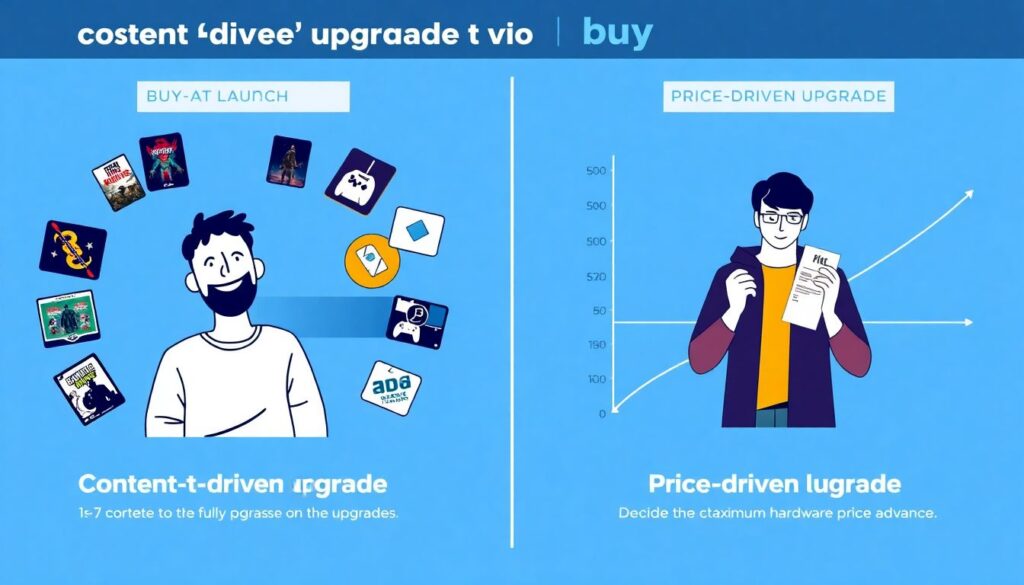
Instead of “buy at launch vs wait forever,” use one of these tactical approaches.
- Content‑driven upgrade
Wait until there are at least 5–7 exclusives or big upgrades you genuinely want and that you can’t reasonably enjoy on your current system. - Price‑driven upgrade
Decide your max hardware price now. Only buy when the console + extras (storage, second controller) fit that ceiling during a sale or bundle. - Lifecycle‑driven upgrade
Use simple video game console lifecycle analysis: typically 6–8 year cycles, with a noticeable price and library sweet spot around years 2–4. Target that window unless you absolutely need to be an early adopter.
Pick a strategy before hype cycles kick in. It’s much easier to say “not yet” if you know exactly what you’re waiting for.
Unusual money‑saving tactics most players never use
Let’s move beyond “wait for discounts.” Here are less obvious approaches.
1. Run your console like a subscription, on purpose
Decide your console’s “monthly cost ceiling” (for example, $40).
That $40 must cover:
– Amortized hardware cost (dividing console price by, say, 48 months)
– Subscriptions
– Games and DLC
If your monthly total hits $40 in January, you buy nothing else until February. You’ll quickly start prioritizing games that last longer and skip fluff.
2. Treat your backlog as currency
Make a rule: for every 2–3 games you finish from your backlog, you “unlock” permission to buy one new game.
This converts unfinished games into real savings and delays the urge to “justify” a new console you don’t actually need yet.
3. Use shared ecosystems intentionally
If you have friends or family who also play, build around one main ecosystem instead of scattering across platforms:
– Share digital libraries where terms allow (family accounts, home console features).
– Coordinate who buys what — one person picks up certain games, the other subscribes to a service, and you both get access.
This requires trust, but dramatically cuts duplicate purchases.
Upgrade vs PC vs handheld: think role, not platform
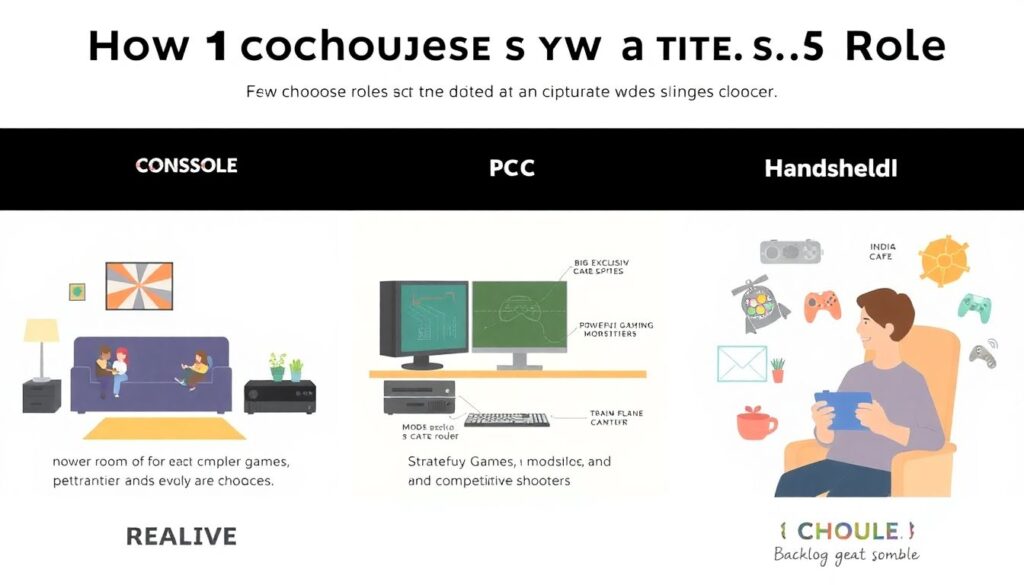
People often frame the choice as “new console or gaming PC or handheld?” A more useful approach: assign each device a role.
For example:
– Console: couch multiplayer, big exclusives, sports titles
– PC: strategy, mods, competitive shooters
– Handheld: indies, backlog, travel gaming
Once you define roles, you can see where the real gap is. That’s where your money should go.
Sometimes the best “console upgrade” is:
– A modest PC GPU upgrade that unlocks performance you already paid for in your library
– A used handheld that lets you finally play all those backlog titles on the sofa
– Or even just a bigger SSD for your current console so you stop buying duplicates or abandoning digital libraries across systems
The financially smartest move is often not the sexiest one.
Second‑hand and “end of generation” arbitrage
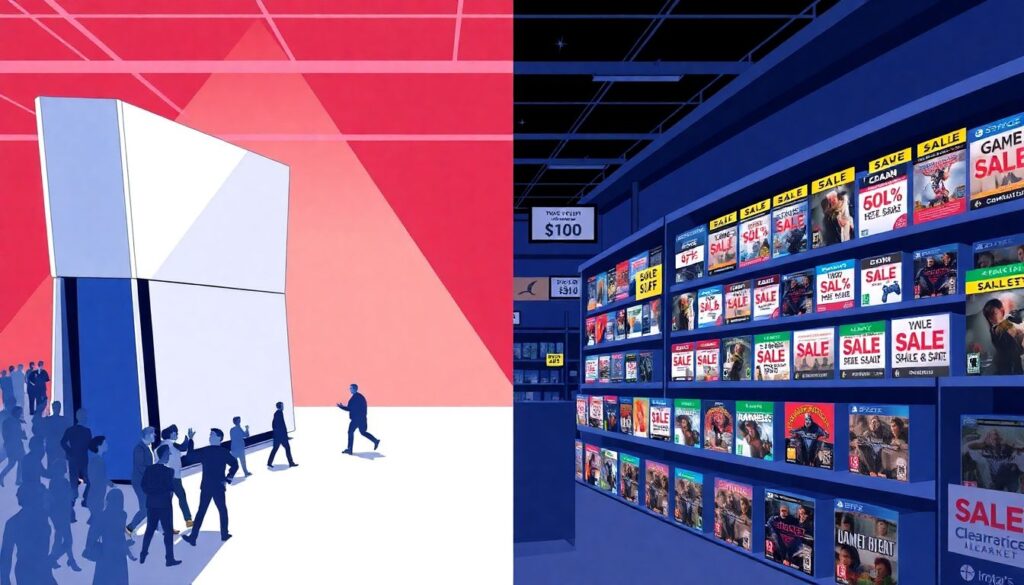
When a new generation arrives, the old one becomes a buyer’s market. You can exploit this instead of rushing forward.
Here’s how:
– Buy a previous‑gen console near the end of its life at a steep discount.
– Pick up critically acclaimed titles in “Game of the Year” or complete editions for next to nothing.
– Ignore “FOMO” on the latest graphics and ride a huge, cheap library for 2–3 years.
For many players, this is the golden value zone — all the best games, none of the launch‑year bugs, and minimal cost.
If you still want the new console later, you’ll be buying into a mature ecosystem with better bundles and more stable firmware.
When early adoption actually makes sense
Despite the cost, there are cases where grabbing a console early is rational:
– You create content (streams, reviews, guides) and the hardware helps you earn money or grow an audience.
– You and your close group of friends all plan to switch early and play together — social value matters.
– You deeply care about a specific exclusive available only on new hardware for years.
Even then, build a clear plan:
– Which 5–10 games make the purchase worthwhile in the first 2 years?
– How will you offset the cost (selling old gear, cutting back on subscriptions, trading in physical games)?
Tie the emotional decision to explicit numbers.
How to structure a personal upgrade roadmap
To stop console spending from feeling random, sketch a 5‑year roadmap. Nothing fancy, just a short note that answers:
– What console(s) do I own now, and what’s their realistic remaining lifespan for me?
– What’s my max total spend per year on gaming (hardware + software + services)?
– In which year does it make sense to allocate budget for a new console or a PC upgrade?
Now do a simple next gen console upgrade cost comparison inside that roadmap. Estimate:
– Hardware price you’re willing to pay
– Number of games you’ll buy per year
– Subscription behavior (always on vs rotating vs none)
This roadmap becomes your filter when hype intensifies. If an announcement doesn’t fit the plan, it’s a “later,” not a “must.”
Key mindset shifts to protect your wallet
To wrap it up, a few principles that make the biggest difference over time:
– Think in eras, not impulse buys. You’re committing to 5+ years, not a single night of gaming.
– Upgrade for experiences, not for specs. If your current console still delivers the games you love, let others beta‑test the new gen.
– Count total ownership cost, not just launch price. Storage, subs, and upgrades matter more than people admit.
– Use self‑imposed limits (monthly caps, lifetime budget per game, backlog rules) to keep fun and finance aligned.
Console generations and upgrade cycles will always be structured to maximize spending. Your job isn’t to fight that emotionally; it’s to out‑plan it rationally, so you squeeze the most joy out of every dollar you put into your hobby.