
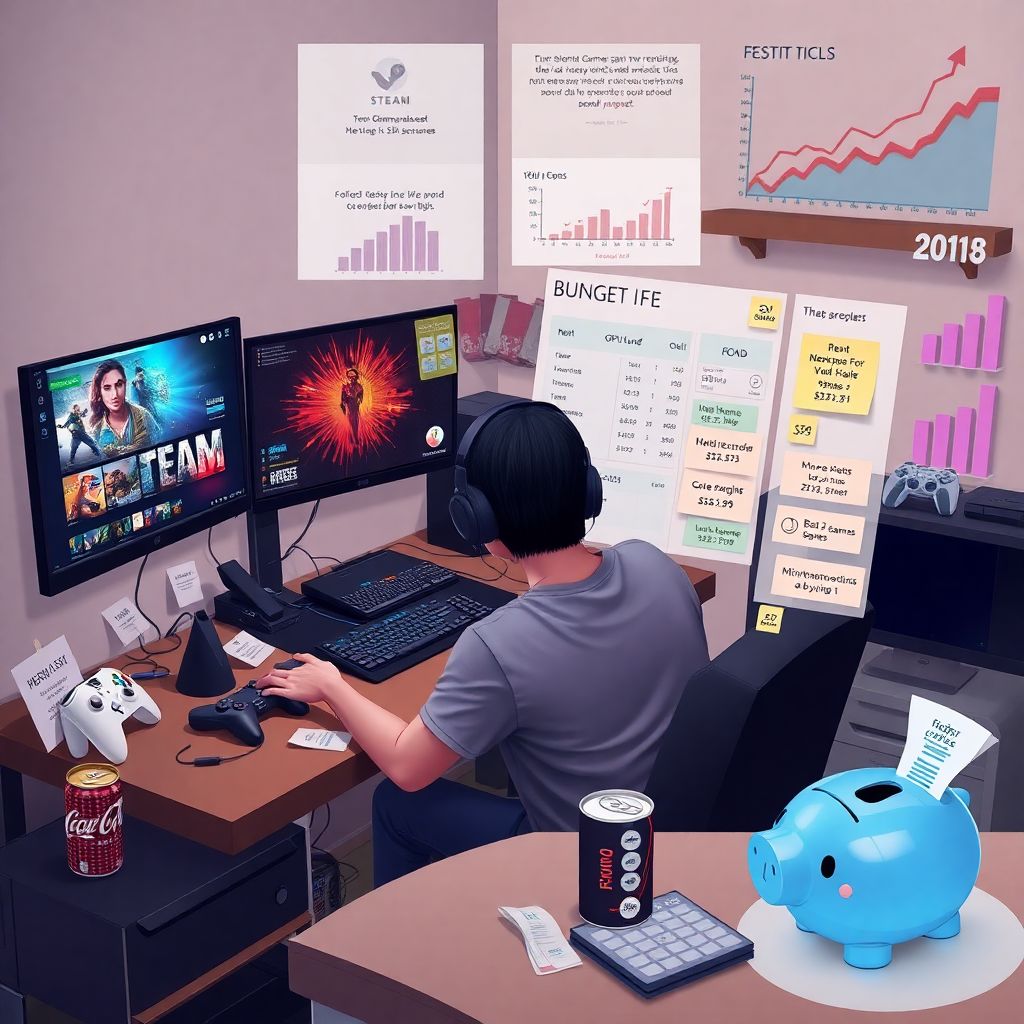
Most players don’t quit gaming because they stop loving it; they quit because rent, food, and random bills crit their wallet harder than any raid boss. A gamer‑friendly monthly budget isn’t about turning into a monk who never buys games. It’s about knowing *where* your money goes, so you can spend guilt‑free on the fun stuff and still survive Steam sales, new GPUs and surprise sub renewals without panic.
—
Why your gamer budget matters right now
Over the last three years, games have quietly become a bigger part of everyday spending. Industry analysts estimate the global games market hovered around $192–193 billion in 2021, dipped to about $184 billion in 2022, then climbed again near $187–189 billion in 2023 as free‑to‑play and mobile kept pulling in cash. At the same time, hardware prices stayed stubbornly high, and inflation chipped away at real incomes in the US, EU and many other regions. That combo means the same gaming habits now eat a larger slice of your paycheck than they did in 2021, so ignoring a budget hurts more than before.
—
Step 1 – Map your real‑life and gaming expenses
Before searching for gaming budget tips or hunting “best cheap build” videos, you need a clear picture of your actual spending. Open your bank app and sort the last 1–2 months into buckets: fixed costs (rent, utilities, transport, debt), essentials (groceries, medicine), and “fun” (games, subs, skins, food delivery, drinks, movies). Most people underestimate fun spending by 20–30%, especially on digital items that don’t “feel” like money. Screenshots help: grab your Steam, PlayStation, Xbox, Epic and mobile store histories and total them; you might be shocked how many full‑price games are still sitting unplayed in your library.
—
Tag every gaming expense, not just games
Many budgets fail because you only count direct purchases like “I bought three games this month” and forget the rest. For one long month, label every cost that supports your hobby: game purchases, subscriptions (Game Pass, PS Plus, MMOs, Nitro, cloud gaming), Patreon or creator support, hardware, microtransactions, internet upgrades “for lower ping”, and even snacks bought “for raid night”. Add them up separately. This creates your *true* monthly gaming cost. Newcomers often discover that “just a couple of small subs” plus skins and boosts quietly rival their grocery bill, which makes it difficult to plan any serious upgrades later.
—
Warning for beginners: don’t skip the boring bills
A classic rookie mistake is planning a budget that covers new releases and a shiny GPU but forgets things like quarterly insurance, annual domain renewals, or once‑a‑year software licenses. These feel rare, so they don’t live in your head like rent does. Go through the last 12 months of bank statements and list any non‑monthly bills that must be paid again: car inspections, dentist, gym, streaming platforms you pay annually, even that VPN you grabbed on Black Friday. Divide each by 12 and treat the result as a monthly cost. This keeps “surprise” payments from nuking your fun money later in the year.
—
Step 2 – Set a fun‑first spending cap
Now that you see the whole picture, decide how much of your net income can safely fuel your hobby. A simple starting rule: keep *all* entertainment (games, streaming, nights out) within 10–20% of your take‑home pay, depending on your responsibilities. If you’re paying off high‑interest debt or supporting family, stay closer to 10%. Within that limit, carve out a specific “gaming wallet”: maybe half goes to games and subs, half to hardware savings. Lock this number in. The goal isn’t punishment; it’s to know exactly how much you can blow on launch day without wrecking rent or groceries for the rest of the month.
—
Use separate “fun” accounts to avoid tilt spending
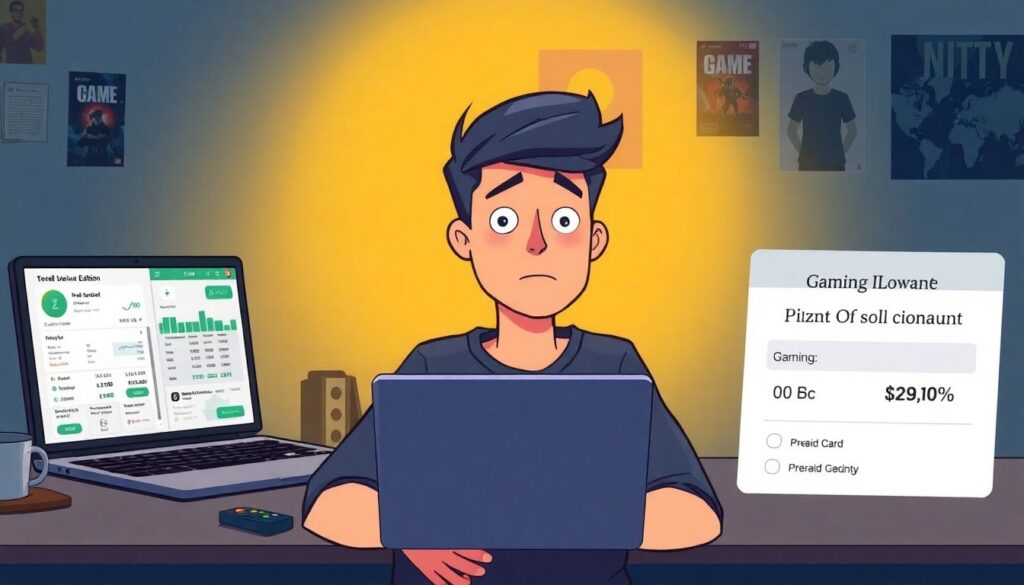
If you keep everything in one checking account, it’s too easy to tilt after a bad day and impulse‑buy a Deluxe Edition because “I worked hard, I deserve it”. Instead, move your gaming allowance to a separate account or prepaid card right after payday. When that balance hits zero, you’re done for the month—no override, no “I’ll just move a little more.” This simple barrier works better than sheer willpower. Think of it like a stamina bar: once drained, you rest. Over a few months you’ll naturally start prioritizing, choosing a single game you’ll actually play rather than five you’ll open once and then ignore.
—
Step 3 – Build or upgrade smart: setup without overspending
A solid budget gaming setup guide doesn’t start with “buy the latest GPU”; it starts with bottlenecks. Check where your rig actually struggles: is it CPU‑bound in big open worlds, GPU‑bound at higher resolutions, or just starved for RAM and SSD space? For many 1080p players, a mid‑range GPU from two generations ago plus 16 GB of RAM and an SSD will outperform a flashy new card paired with ancient parts. Focus upgrades on the slowest link first. Benchmarks from 2022–2024 consistently show that going from HDD to SSD and from 8 GB to 16 GB RAM often gives more real‑world smoothness than chasing a 10% faster GPU.
—
Cheap gaming on a budget: where to cut, where not to cut
To keep costs controlled, decide what must be quality and what can be “good enough”. Never skimp on power supply and motherboard; failures there kill entire builds. Cases, RGB and even slightly older CPUs, on the other hand, are perfect places to save. Used markets exploded during the GPU shortage and still offer great value in 2023–2024, especially for 1080p cards and previous‑gen consoles. Just be careful with mining‑used hardware and always test under load. Pair a modest PC or console with a decent 1080p monitor or TV, turn on performance modes, and you can get silky gameplay without paying for ultra‑wide 4K bragging rights.
—
Step 4 – Adopt smarter buying habits
If you’re wondering how to save money as a gamer without feeling deprived, shift from “collecting” to “playing”. Stop preordering unless you *truly* trust the dev and consider waiting 4–8 weeks; in the last three years, plenty of big releases launched rough and dropped 20–40% in price after patches. Buy during seasonal sales with a pre‑made wish list sorted by priority and price. Stick to one or two live‑service titles at a time to avoid paying for overlapping battle passes. Rotate subscriptions: subscribe to Game Pass or PS Plus for one or two months, binge what you want, then cancel until the next content wave hits.
—
Everyday gaming budget tips that quietly stack up
Tiny decisions add up over a year. Turn off auto‑renew on any service that isn’t mission‑critical. Avoid paying full price for cosmetics; wait for bundles or earn them via in‑game progression. Use regional pricing differences legally when stores allow it, and redeem loyalty points from hardware vendors or payment cards for game credit. Consider family or friend sharing options where platforms support them. Over 12 months, shaving just $10–15 a week from impulse buys means $500–800 you can divert into a proper hardware upgrade or a couple of big collector’s editions you’ll actually treasure rather than a trail of random, forgotten skins.
—
Step 5 – Dodge the most common money traps
Publishers have become very good at separating players from their cash. Over the last three years, reports have shown a steady rise in revenue share from in‑game purchases and cosmetic items, even when total market revenue briefly dipped. That tells you where the real trap is: “just a few bucks” spent repeatedly. Loot boxes, gacha pulls, time‑limited skins, battle passes that require grinding you don’t have time for—all of these are designed to push FOMO. Decide in advance how much you’re willing to spend monthly on microtransactions and treat that like a hard cap, not a soft suggestion you override in late‑night sessions.
—
Red flags that your hobby is turning into a problem
Watch for warning signs. If you’re hiding purchases from family or friends, regularly using credit cards for non‑essential gaming buys you can’t pay off in full, or skipping real‑life obligations (food, medicine, rent) to fund pulls or packs, it’s time to stop and reset. Another red flag is emotional spending: buying games whenever you feel stressed or lonely, then never actually launching them. In that case, switch your focus to games you already own and seek social interaction through co‑op or communities rather than more purchases. A healthy budget should reduce stress, not become another source of it.
—
Step 6 – Plan for big releases and upgrades
Financial planning for gamers doesn’t need spreadsheets with macros; a simple timeline works. Look ahead 6–12 months: which major releases do you *know* you’ll buy? Any hardware you want, like a new console, VR headset, or monitor? Take the full price, divide by the number of months until launch, and add that to your monthly gaming savings target. If a $600 GPU is a goal for next Black Friday and you have ten months, that’s $60 per month reserved. Treat this like a pre‑order with yourself. When the time comes, you pay cash instead of swiping a card and praying your future self figures it out.
—
Use seasonal patterns to your advantage
Sales follow predictable cycles: big discounts around summer sales, autumn events, and winter holidays; hardware deals often peak during back‑to‑school and Black Friday. In 2022–2024, those periods consistently brought some of the deepest cuts on both AAA games and mid‑range components. Instead of buying the moment you feel hype, walk purchases back to the nearest big sale window and save toward that. You might wait a few extra weeks, but you’ll often grab bundles, extra months of subscription or bonus titles for the same money. That waiting period also acts as a filter; if you’re still thinking about the game later, it’s probably worth buying.
—
Step 7 – Review, tweak and keep it fun
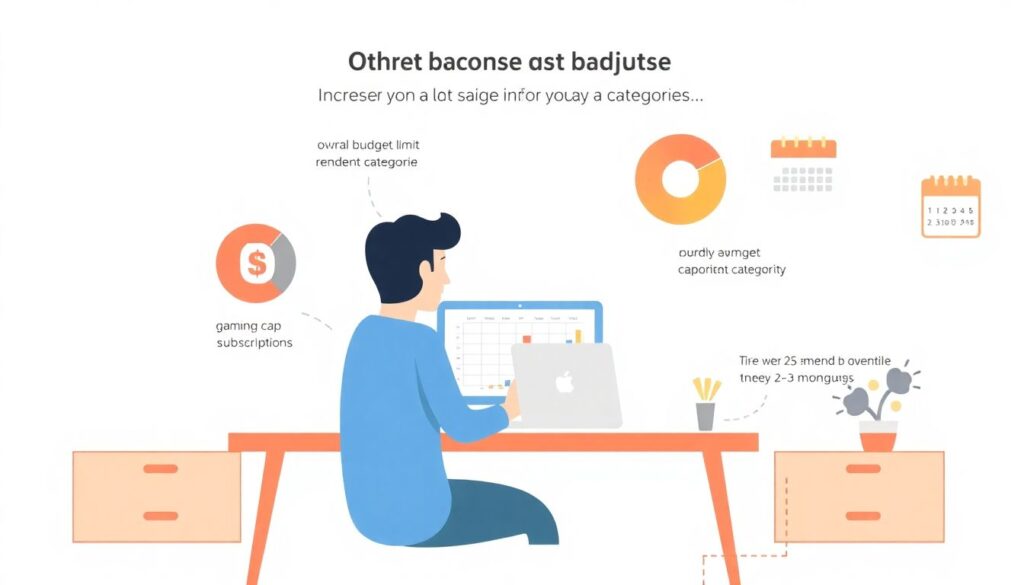
Budgets that never change eventually break. Every 2–3 months, sit down for 20 minutes and review: did you stick to your gaming cap, or did certain categories blow up? Maybe subs stayed low but “$5 bundles” went wild. Adjust your categories, not your total limit, and try a new rule for the next cycle, like “no more than two active subscriptions at once” or “no purchases in the last week of the month”. Track your backlog too; if it keeps growing faster than you play, switch to a “beat two games before buying one” rule so your money turns into actual experiences, not icons on a screen.
—
Keeping your inner fan alive
The whole point of a gamer‑friendly monthly budget is to let you enjoy your hobby *more*, not less. When your bills are handled and your fun money is clearly marked, you can buy that special edition or DLC without the post‑purchase guilt hangover. Over the last three years, even as prices and monetization got more aggressive, players who stayed intentional with their spending reported higher satisfaction with fewer total purchases. Treat your time and attention as valuable resources alongside cash, aim your money at the games and gear that genuinely make you happy, and your budget becomes just another well‑tuned build supporting the way you like to play.
Комментарии