
Why cryptocurrency wallets matter (and what they actually are)
A cryptocurrency wallet isn’t a literal place where coins sit; it’s more like a keyring that proves you own certain coins on a blockchain. Your bitcoin, Ethereum, or other assets don’t “live” inside the app on your phone. They live on a public ledger, and your wallet holds the keys that let you move them. Once you understand this, everything else gets easier.
For beginners and non-technical users, a wallet is basically a user-friendly interface that hides the complicated math under the hood. You open an app, see a balance, press “Send” or “Receive,” and the wallet translates those taps into secure cryptographic operations in the background. Choosing the best cryptocurrency wallet for beginners is less about fancy features and more about safety, simplicity, and clear instructions.
—
What you need before you start (necessary tools)
You don’t need much to begin, but it’s important to set things up properly from day one instead of rushing in and hoping for the best.
At a minimum, you’ll want:
– A smartphone or computer you personally control
– A stable internet connection
– An email address you can access and secure
– Somewhere safe to store backup phrases (paper, notebook, or a dedicated backup device)
Many newcomers only think about the app itself and forget the “offline” part of a secure crypto wallet for non technical users: backup and recovery. A $1 notebook and a working pen often matter more than any shiny feature in a wallet app.
—
Different wallet types explained simply
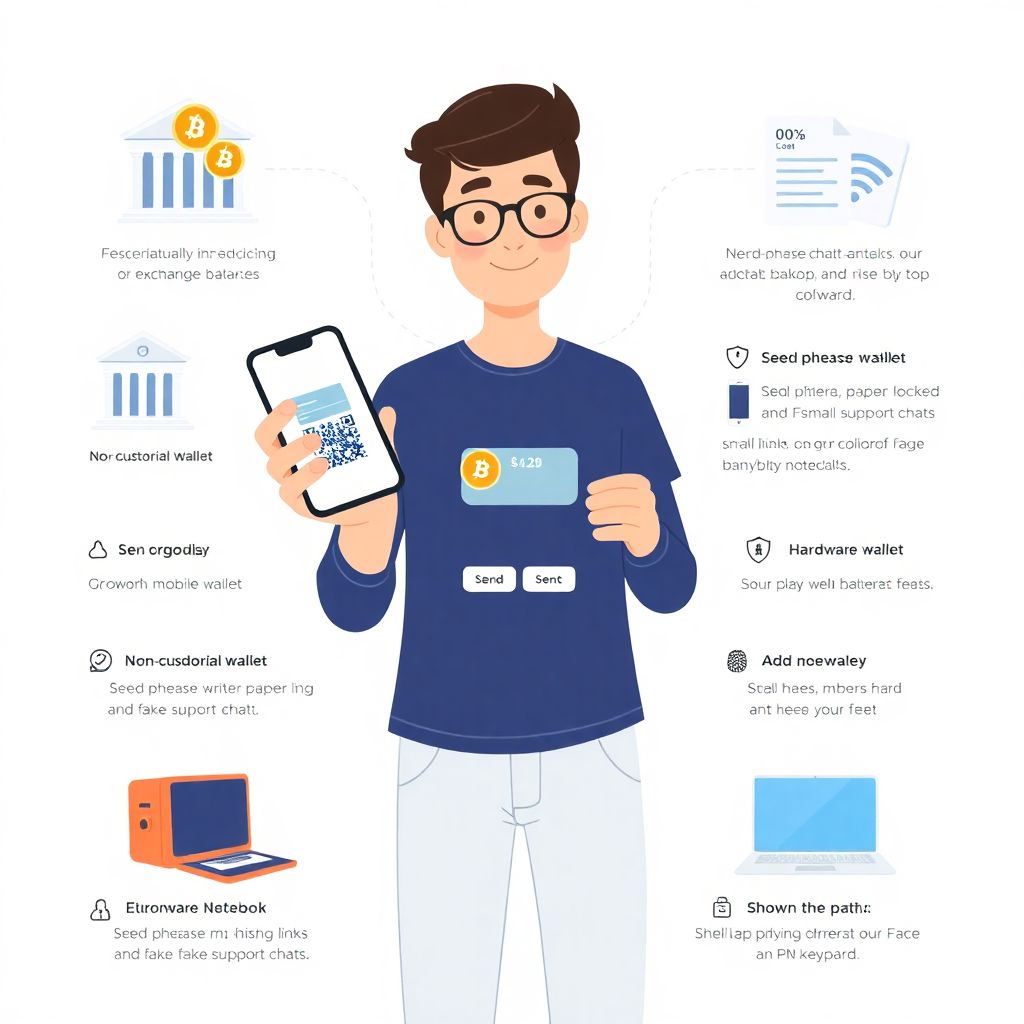
There are many categories of wallets, but you can think in three broad groups: custodial, non-custodial software, and hardware. Each has trade‑offs between control, convenience, and security.
– Custodial wallets (e.g., exchanges)
You sign up with an email and password, and the company holds your coins and keys. This feels familiar—like online banking—and can be the easiest way to get started. However, if the company is hacked or goes bankrupt, your funds may be at risk because you don’t truly control the keys.
– Non-custodial software wallets (mobile or desktop apps)
Here, you control the private keys. The app will show you a “seed phrase” (usually 12–24 words) that can restore your wallet on any device. This is a great balance of control and usability if you’re willing to take backup seriously. A beginner friendly bitcoin wallet app in this category usually has a simple interface, clear backup flow, and strong default security settings.
– Hardware wallets (devices you plug in)
These are small physical devices designed to keep keys offline. They are excellent for larger amounts or long‑term storage, but feel less intuitive at first and require more steps. For everyday spending or learning, starting with a safe mobile crypto wallet for newbies is often more comfortable.
—
How to choose a crypto wallet for beginners without getting overwhelmed
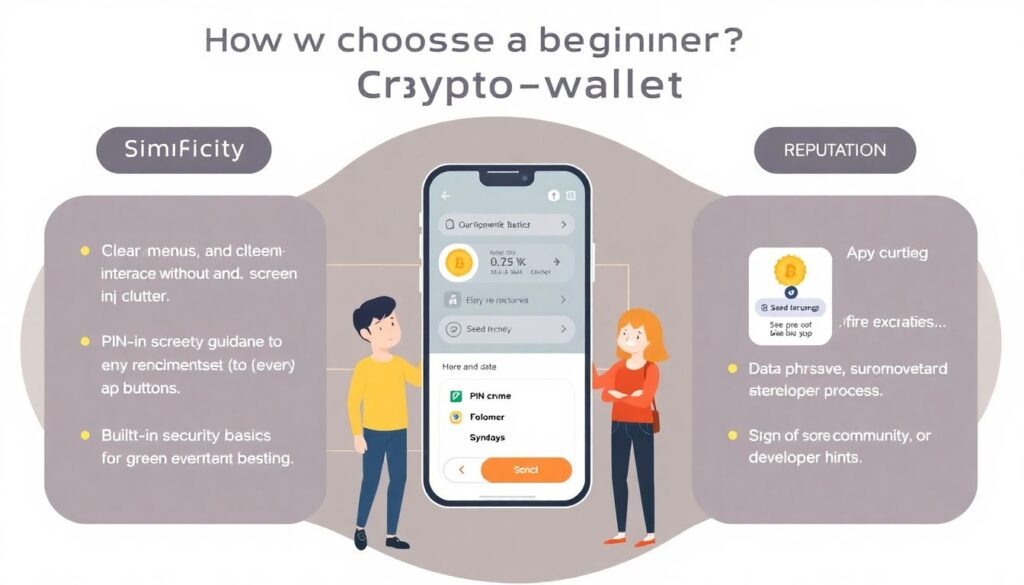
Instead of hunting for the “perfect” wallet, focus on a few practical criteria that matter for new users:
– Simplicity: Clear menus, no clutter, guidance on every important step.
– Security basics built in: PIN/biometrics, encryption, and good backup instructions.
– Reputation: Active development, good reviews, transparent team, open communication about updates.
– Support and documentation: Help center, FAQ, and responsive customer support.
– Compatibility: Works on your device, supports the coins you actually plan to use.
If you’re non‑technical, you don’t need to understand every security term. You just need enough to recognize whether a wallet treats safety as a priority. The best cryptocurrency wallet for beginners usually makes security hard to get wrong by guiding you through setup and warning you before risky actions.
—
Step-by-step: setting up your first wallet
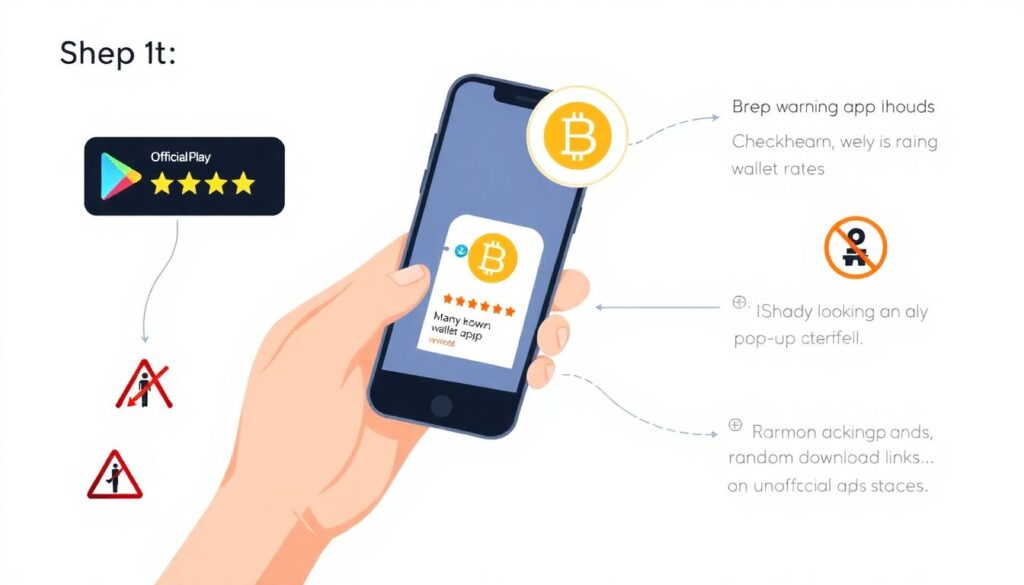
Let’s walk through a typical process for installing and using a mobile wallet, since that’s where most people start.
1. Pick your wallet app
Choose a well‑known, well‑reviewed wallet from the official app store (Google Play or Apple App Store). Avoid downloading from random links, ads, or unofficial websites.
2. Install from the official source
Check the developer name, logo, and download numbers. Scam apps often imitate real wallets with tiny differences in the name or icon. If in doubt, follow a link from the wallet’s official website.
3. Create a new wallet
When you open the app, you’ll usually see options like “Create new wallet” or “Import existing wallet.” As a beginner, select “Create new wallet.” The app will generate your keys automatically in the background.
4. Set a strong password or PIN
Use a unique password you don’t reuse anywhere else. If the app supports biometrics (Face ID, fingerprint), enable it, but keep your PIN/password as a backup.
5. Write down your seed phrase
The app will show you 12–24 words. This is the master key to your funds. Write it down neatly on paper and check spelling carefully. Do not:
– Take a screenshot
– Email it to yourself
– Save it in a notes app or cloud storage
Store the paper in a safe, dry, private location. This step is where many people either succeed or fail long‑term.
6. Confirm your backup
Most wallets will ask you to re‑enter some or all of the words to ensure you wrote them down. Don’t rush. Double‑check each word in order.
7. Receive a small amount of crypto
Tap “Receive,” copy your address (or use the QR code), and send a tiny test amount from an exchange or friend. Wait for it to appear. This builds confidence before you move larger sums.
8. Test sending a tiny amount
Now send a small portion back out. You’ll see fees, confirmations, and how the process works in practice. Testing with small amounts is a cheap way to learn.
After a few test transactions, you’ll have a hands‑on sense of how your wallet behaves, which is far more valuable than reading endless theory.
—
Common beginner mistakes you really want to avoid
Most painful crypto stories start the same way: “I didn’t think it would happen to me.” Here are the traps beginners fall into again and again:
– Not backing up the seed phrase at all
People say, “I’ll do it later,” then lose their phone or uninstall the app. Without that backup phrase, your funds are gone. No helpline can restore them.
– Storing the seed phrase digitally
Screenshots, email drafts, cloud notes—these are easy targets if someone hacks your accounts or steals your phone. Attackers actively search for these.
– Sending coins to the wrong network or address
New users often confuse networks (for example, sending tokens on the wrong chain) or mistype addresses. Blockchain transactions are irreversible, so always double‑check the address and network before hitting “Send.”
– Clicking on fake support or phishing links
Scammers pose as “support agents” asking for your seed phrase to “fix” an issue. Real companies will never ask for your recovery words. The moment someone asks, walk away.
– Keeping large amounts on exchanges
Exchanges are convenient, but they are custodial. If the platform is hacked or freezes withdrawals, you may lose access. Use them for trading, not for long‑term storage.
One of the simplest ways to stay safe is to move slowly. If you don’t fully understand what a button does, stop and research before pressing it.
—
What makes a wallet truly “beginner friendly”
Labels like “easy” or “simple” don’t mean much by themselves. For a beginner friendly bitcoin wallet app to be genuinely approachable, a few design choices help a lot:
– Clear wording instead of jargon: “Send” and “Receive” instead of obscure terms.
– Built‑in guidance: short tooltips or explanations the first time you do something.
– Warnings before risky actions: strong alerts when you’re sending to a new address or high fee network.
– Recovery walkthrough: a thoughtful, step‑by‑step backup process with reminders to test recovery.
You want a wallet that assumes you might make mistakes, and works hard to either prevent them or make them very obvious before they cause damage.
—
Making your wallet safer without being a tech expert
You don’t have to be “good with computers” to use a secure crypto wallet for non technical users. A few habits go a long way.
Here are straightforward safety steps:
– Lock your phone or computer with a strong PIN, password, or biometric login.
– Keep your device updated so security patches are applied.
– Install only necessary apps and avoid random downloads from unknown sites.
– Use a password manager to create and store unique passwords for email, exchanges, and any crypto‑related accounts.
If you hold a meaningful amount of funds, consider splitting it: keep a small amount in a safe mobile crypto wallet for newbies for daily use, and move larger holdings to a hardware wallet or a more advanced setup when you’re ready.
—
Troubleshooting: what to do when things go wrong
Sooner or later, you’ll run into something confusing: a transaction seems stuck, a balance doesn’t update, or a fee looks too high. Panicking usually makes things worse, so step back and go through a calm checklist.
If your transaction is “pending” for a long time:
– Check a blockchain explorer using your transaction ID.
– See if the fee you used was very low compared to current network conditions.
– Remember that some networks are slower during busy times; waiting is often all you can do.
If your wallet shows “0 balance” after reinstalling:
– Confirm you imported the correct seed phrase, in the correct order.
– Make sure you’re on the right network and account within the app.
– If you wrote the phrase incorrectly (wrong word or order), the wallet may still open—but it points to a different, empty account.
If your app behaves strangely or crashes:
– Update to the latest version.
– Restart your device.
– As a last resort, reinstall the wallet and restore using your written seed phrase—but only if you are 100% sure you have the correct backup.
Never share screenshots of your full wallet interface with balances and addresses in public chats, and absolutely never paste your recovery words into any website or chat box, even if it claims to be “verification.” That’s the most common way people get robbed.
—
Building confidence step by step
Think of using a crypto wallet like learning online banking or mobile payments for the first time. At the beginning, everything feels risky and unfamiliar. After a few small, deliberate test transactions, it becomes routine.
Start tiny, treat your seed phrase like a physical safe key, and don’t rush into big deposits just because the app makes it easy. Learn how to choose a crypto wallet for beginners that fits your comfort level, then give yourself time to practice.
With a bit of patience and sensible habits, even non‑technical users can handle their own wallets safely—and enjoy the main benefit of crypto: controlling your own money without needing to trust a middleman.